
Natalia Arantseva
Portrait Photoshop Retouching Tutorials
Portrait Photoshop Retouching Tutorial learn basics to advance techniques.
In this Portrait photoshop retouching tutorial, I will teach you how to make professional-quality portraits. You'll learn my entire workflow for making beautiful portraits photos and receive 2 to 3 hours of personal coaching from me to create beautiful images in my use style. This skype session is excellent for those who love portrait photography, including a photograph of a person or group of people disregarding age or gender. Sign up to learn my workflow on how to create beautiful portrait images!


Portrait Photoshop
Retouching Tutorials
Portrait retouching. Are you a professional photographer? Or just an aspiring photographer with love for portraits? Well, either way, this skype session is perfect for you. First, I'll show you how I edit my portrait images step-by-step.
We'll cover everything from beginner to advanced techniques portrait of retouching. Then, you'll learn the secrets to creating beautiful portraits that will make your clients fall in love.
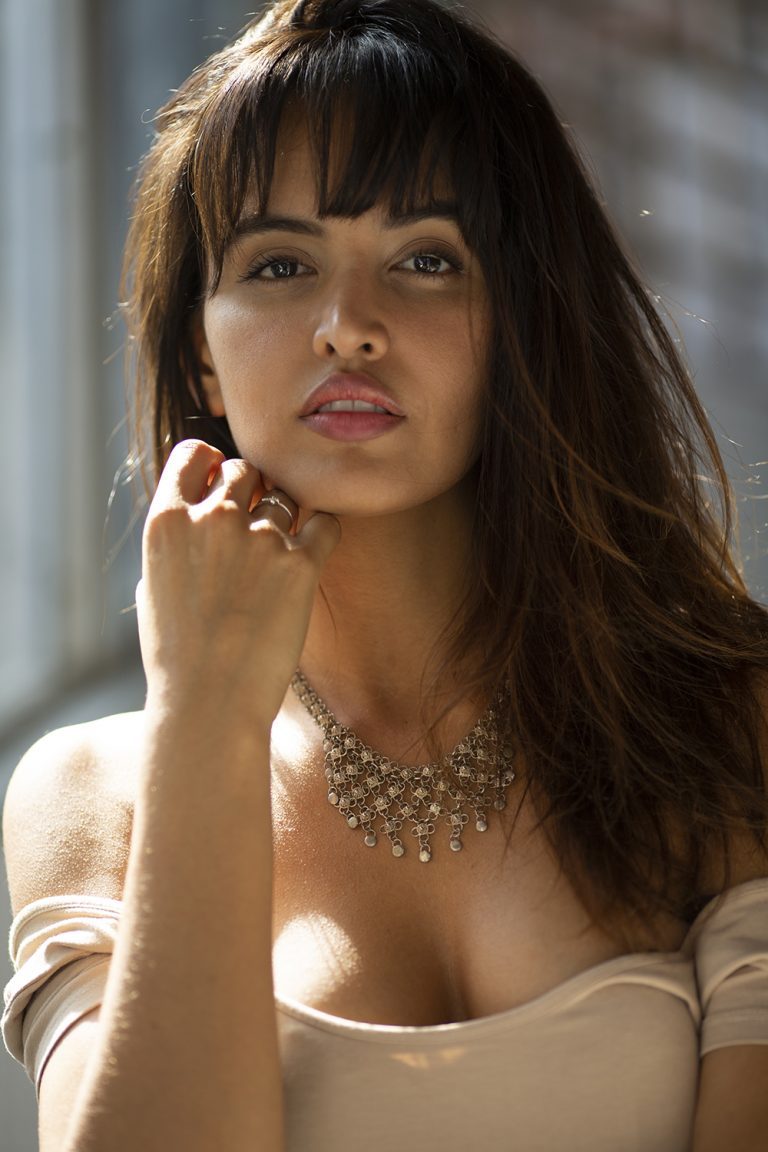

Portrait Photoshop Retouching Tutorial session will be via Skype. I will share my screen with you. We will work on 2 of my images, I will provide you with raw files for your practice, and one of them can be yours. Important: recording of the session is not allowed. However, I will record that part of the session where we will work on your image, so you will be able to review and refresh your learnings. Once you have purchased your slot, we can discuss a convenient date and time for our session.
I will be editing both in-camera raw filter and photoshop. But mainly in photoshop. During the tutorial, I will show you how I edit my portraits. I will show you both quick edits for clients and more intensive, creative edits as well. I will be happy to answer any of your photography-related questions during our session. I do my retouching by hand only and will show you the same; however, you will also receive my photoshop action pack, which helps speed up the retouching process by building necessary layers to work on. These are actions that I have created and use for my edits. You will receive them as a part of the training. You will learn how I frequency separation for professional skin retouching, remove dark circles under eyes without damaging the skin texture, safe methods to remove unwanted shadows, dodge & burn color toning, and how to save your image for social media. I will show you how to enhance eyes, easy & quick way to change eye color, to sharpen and make them pop. Finally, we will learn how to make your portraits flawless.
DURATION
Between 2-3 hours.
PAYMENT
$200 USD
Contact me for payment information
Participants must agree that all information gained during the session is for personal use and not for sale, share, duplicate, or commercial use. You agree that you may be subject to legal liability when not comply with these terms and conditions.